Guides
How to Blur YouTube Thumbnails (and Why You Might Want To)
Thumbnails are designed to catch your eye. Here is why some people blur them, what you can do by hand, and how to choose videos by title and channel instead.
BOSLA AI is now live — take control of your feed.Get Started
Blog
Ideas, progress and lessons from the team building BOSLA AI.
Showing articles tagged #browser-extensions · clear
Thumbnails are designed to catch your eye. Here is why some people blur them, what you can do by hand, and how to choose videos by title and channel instead.
Three ways to see fewer YouTube ads on desktop: YouTube Premium, Brave's built-in blocking and browser extensions, plus how to install an extension safely and keep supporting creators.
Compare YouTube browser extensions by their feed controls, content filters, privacy permissions, and ease of use. Use this checklist to choose a tool that fits your routine.
BOSLA AI is building a personal digital control layer: a way to make your online feed reflect your priorities instead of leaving every choice to recommendation algorithms. Here is the idea, the mission, and what it means in practice.

A walkthrough of what we have built in BOSLA Focus so far: a YouTube ad blocker, an on-device Blur for faces, thumbnails and sensitive images, a clear view of what changed on each page, and optional settings sync.
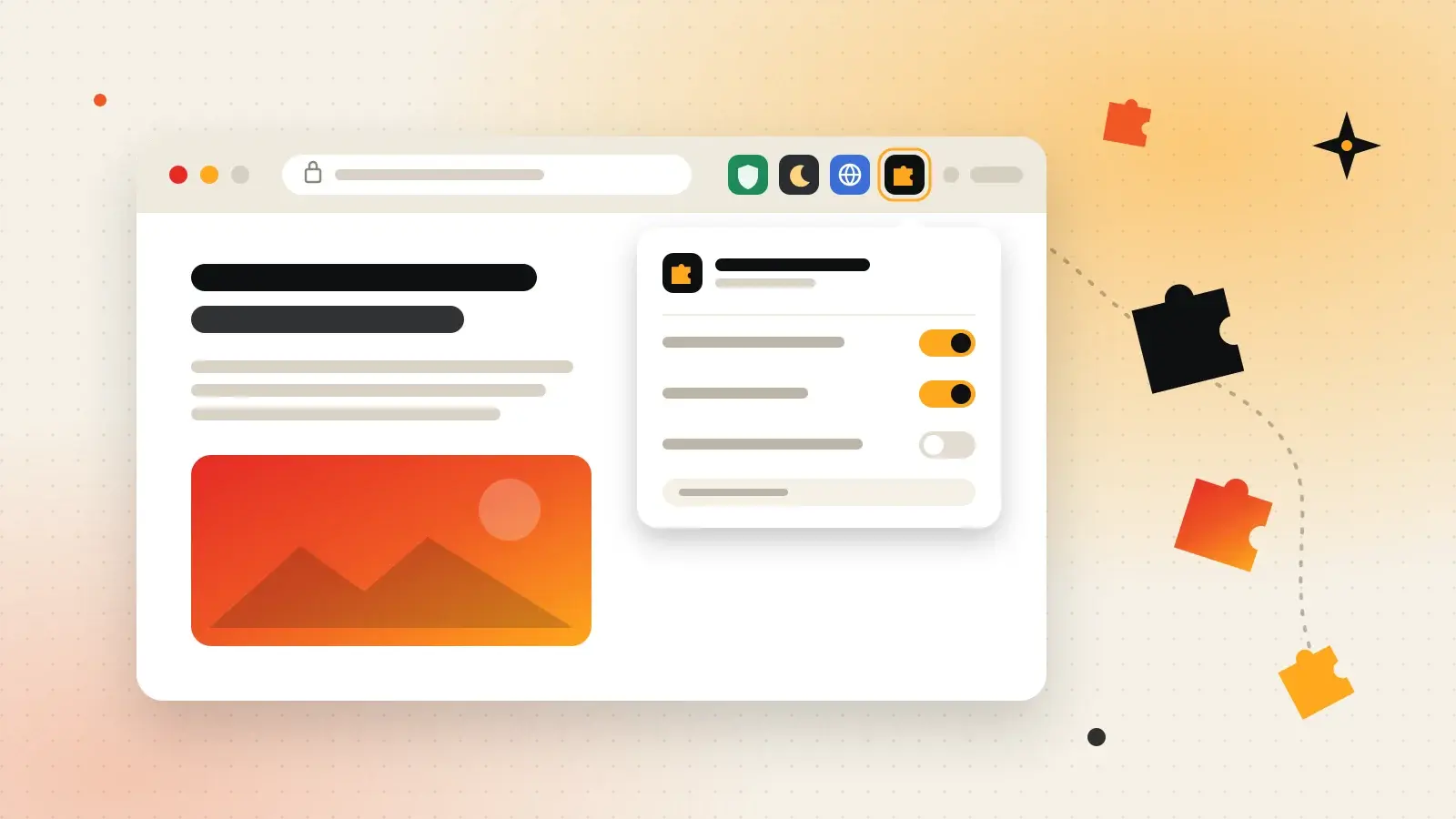
Extensions are small add-ons that give your browser new powers — from blocking ads to translating pages. Here's what they are, how to install them safely, and the ones worth knowing.