Guides
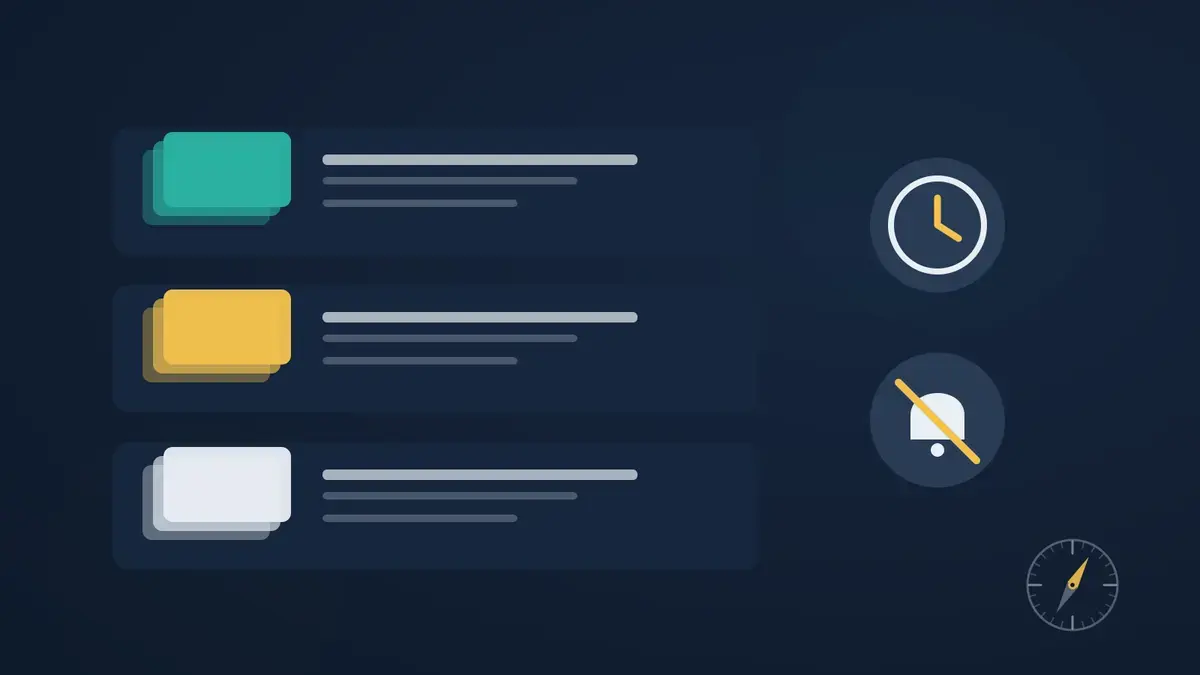
How to Organize YouTube: Playlists, Watch Later and More
YouTube is easier to use on purpose when it's organized. A simple system with playlists, Watch Later, a cleaner subscription list and quieter notifications.
BOSLA AI is now live — take control of your feed.Get Started
Blog
Ideas, progress and lessons from the team building BOSLA AI.
YouTube is easier to use on purpose when it's organized. A simple system with playlists, Watch Later, a cleaner subscription list and quieter notifications.
Why does YouTube show you what it shows you? A plain-language look at what YouTube itself says about its recommendation system, what's still unknown, and how to use that to steer your feed.
You want to learn, build or focus, but your YouTube feed seems to want something else. Here are seven common reasons your feed drifts from your goals, and a quick fix for each.
You don't have to quit social media or go on a digital detox to feel more in control online. Six small, research-informed habits that help you use the internet on purpose.
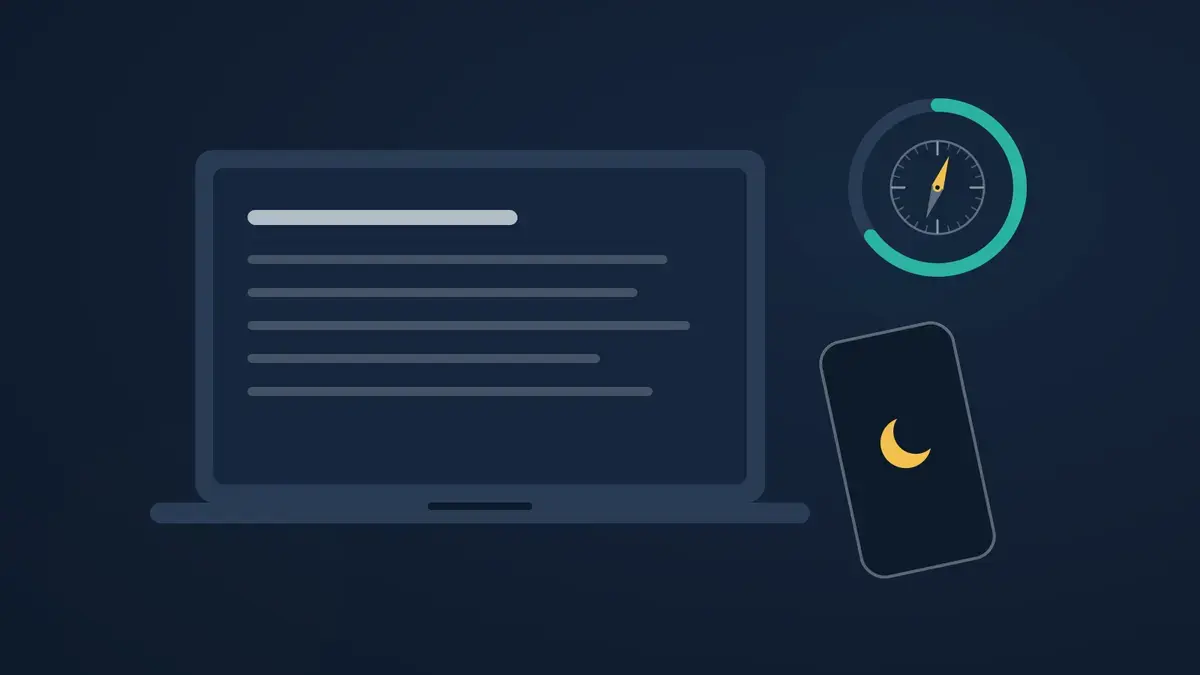
YouTube is one of the best free classrooms online, and one of the easiest places to lose an evening. Here's a simple before, during and after workflow for studying on YouTube with fewer detours.
You open YouTube for one video and end up scrolling Shorts. Here are six practical ways to cut that down — from YouTube's own Shorts limit to small changes in how you open the app.
Your YouTube feed is shaped by signals you send. Here's how to use YouTube's own controls to hide channels, clean your history, limit Shorts and reset recommendations — and where those controls fall short.
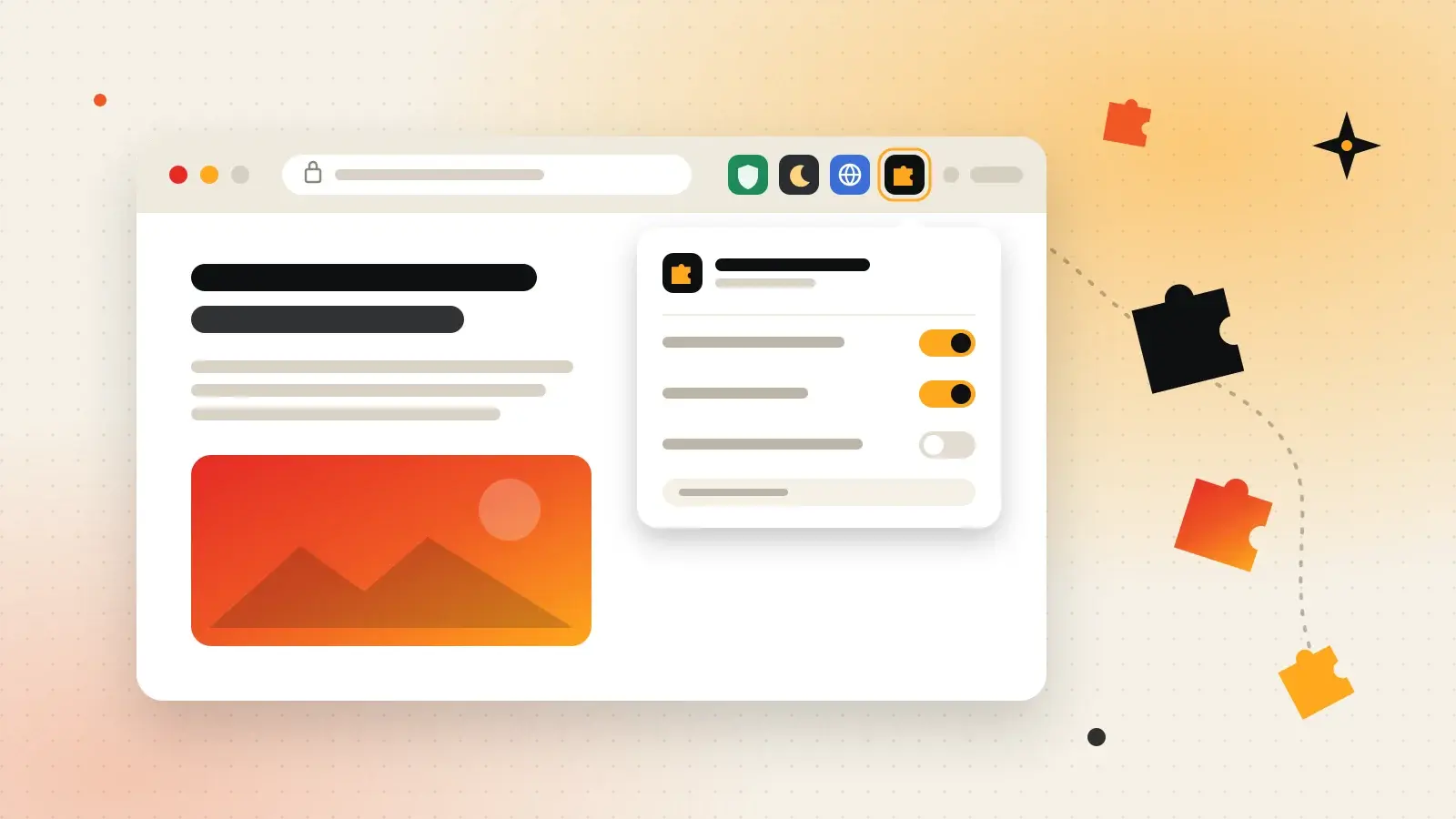
Extensions are small add-ons that give your browser new powers — from blocking ads to translating pages. Here's what they are, how to install them safely, and the ones worth knowing.
Three steps, no algorithm deciding for you. A walkthrough of the experience we're designing — and what each step actually means.